Have you ever wondered if the arrangement of products could boost your sales? A planogram is like a simple recipe where every item is placed just right to grab a shopper's attention. It transforms a store into a welcoming space that makes it easy to find favorite items without any extra hassle. With each product in the perfect spot, the whole store feels organized and inviting, naturally driving up sales. In short, smart layout design isn’t just about a pretty look, it’s a straightforward tool for success.
Defining Planogram: The Retail Blueprint for Product Placement
A planogram is a smart tool that helps retailers set up their products neatly and attractively. It acts like a recipe guiding how items should be arranged on shelves, racks, or any display fixture. Think of it as a visual map that not only makes your store look inviting, but also helps customers quickly find what they need, sparking interest and boosting sales.
This strategy pays close attention to how much space each product gets, where things sit on the shelves, and how customers move around the store. By clearly marking where every item belongs, the layout stays both practical and engaging. Shoppers can easily locate their favorite items, making their experience smoother, and sometimes even a bit more enjoyable.
Retailers usually use specialized planogram software to bring this detailed design to life. You could say this digital helper makes sure every product finds its perfect spot, keeping the whole setup both orderly and efficient. In short, with a well-thought-out planogram, the store stays on point, guiding customers naturally through the aisles.
Key Benefits of Planograms for Retail Space Optimization
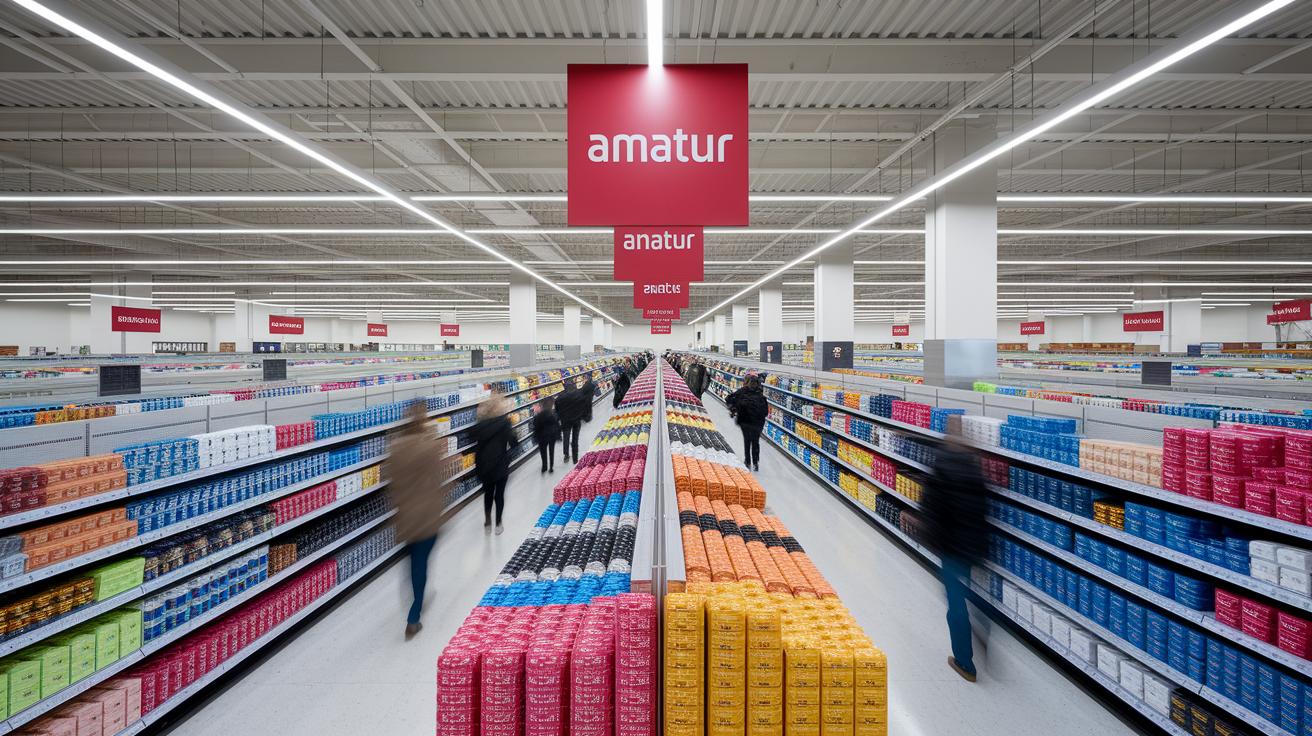
Planograms are more than just a way to arrange products; they’re a smart tool that helps stores use their space better while making shopping a breeze. They work like a blueprint for setting up displays, ensuring that every product, from everyday essentials to fast-selling items, is placed where shoppers will notice it. Think of it as using real insights about how customers shop to create a store layout that’s clear, inviting, and efficient.
- Consistent brand presentation across stores
- Maximum use of shelf and rack space
- Improved inventory turnover rates
- Enhanced in-store customer navigation
- Data-driven product placement decisions
- Easier compliance with merchandising plans
This thoughtful arrangement can make a noticeable difference in how a store performs. When products are displayed uniformly and attractively, customers feel more confident about the brand. Plus, a well-organized space helps avoid missed opportunities and leads to higher sales, especially for items that rely on being easily seen. The result is a store that not only grabs attention but also guides shoppers naturally, while giving staff simple, clear guidelines to follow. Isn’t it amazing how a smart layout can transform the shopping experience?
planogram in retail: Spark Sales Brilliance
Store Clustering and Category Allocation
Retailers often group their stores based on local traits to ensure each location offers products that really resonate with its customers. Think of it like this: a shop in a peaceful, small neighborhood might carry a different mix than one in the bustling city center. Tailoring what goes on each shelf makes shopping feel personal and can really boost sales.
Vertical and Horizontal Merchandising Techniques
A smart display combines both vertical and horizontal methods to catch a shopper’s eye. Vertical merchandising arranges products from top to bottom so that key items, often placed at eye or waist height, grab your attention right away. Horizontal merchandising, on the other hand, lines up related items side by side, letting shoppers compare them quickly. This mix creates a clear, inviting layout that naturally guides customers through the store.
Cross-Merchandising Strategies
Pairing complementary products can encourage customers to buy more. For instance, positioning batteries near electronic devices not only meets a common need but may also spark an impulse purchase. Adding interactive elements like QR codes can link customers to more product details instantly. This thoughtful setup bridges the gap between physical displays and digital information, making shopping feel both intuitive and engaging.
Step-by-Step Process to Implement a Planogram in Retail Stores
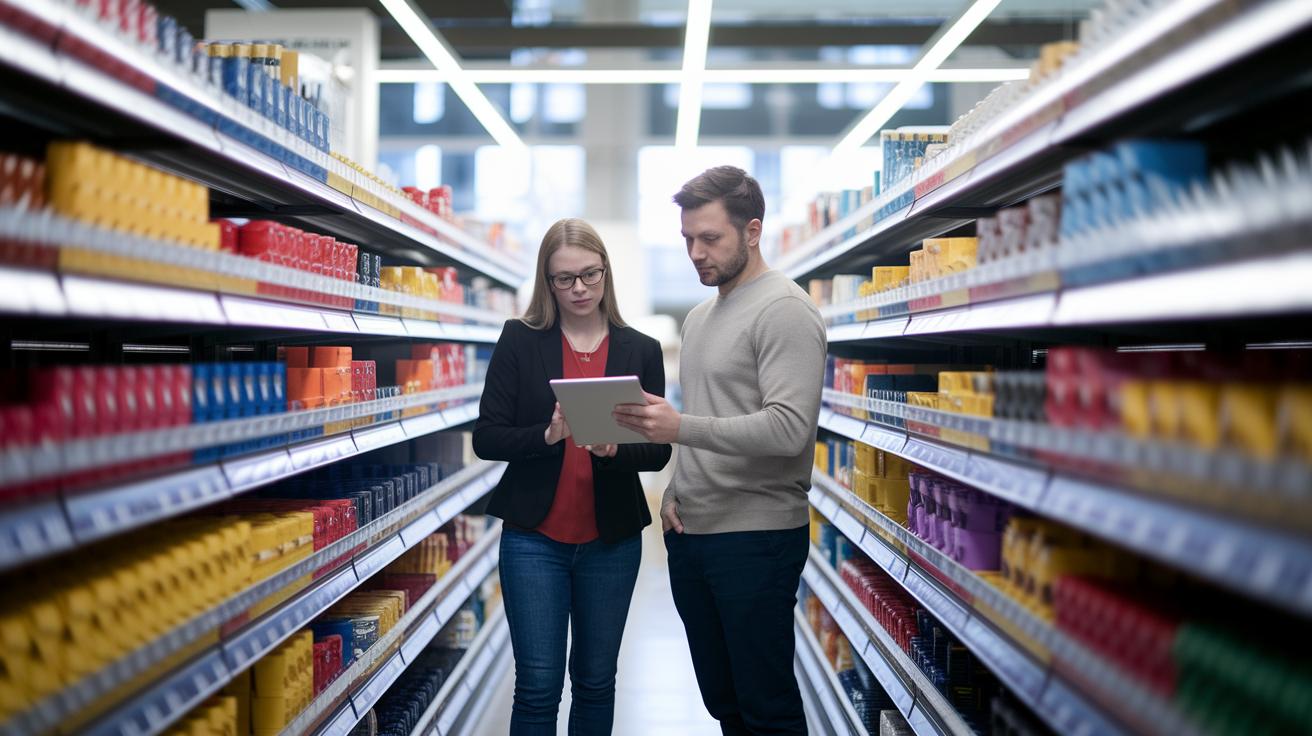
Creating an effective planogram boils down to a few clear, straightforward steps supported by today’s digital planning tools. Tools like PlanoHero let retailers build a store plan from scratch, customize shelf layouts, and quickly whip up a planogram with a bit of AI magic. Plus, with custom equipment options and smooth data integration, setting product guidelines becomes simple, ensuring a perfect setup for your displays.
- Start by collecting sales and inventory details for each group of stores.
- Decide which products should sit side by side and how many of each should face the customer.
- Pick or tweak a floor layout template that fits your store.
- Use planogram software to arrange products based on the data you gathered.
- Check that the planogram meets your visual merchandising standards.
- Send the digital planograms to store devices or print them out.
- Keep track of compliance and performance using built-in analytics dashboards.
Follow these easy steps, and you’ve got a solid plan guiding your store’s product placement. Advanced planogram software does more than just arrange products, it also delivers the final layouts to your stores, manages their rollout, and offers detailed reports. When you monitor performance and adjust your setup based on real-time data, every update becomes a chance to boost sales and improve efficiency.
Leveraging Planogram Software and Emerging Technologies for Retail Success
Retailers are now rethinking how they design their planograms by blending interactive tech, like AI and VR, into the mix. Picture this: you step into a virtual store, where you can move products around as if you’re physically there. This hands-on preview means managers can see and tweak store layouts before anything is set in stone. Tools like AI merchandising assistants (think of the ones available at WIZORA) simulate different shelf arrangements to check that every display fits with both shopper habits and overall store strategy.
Next, advanced platforms are stacking up features to make planning and monitoring as simple as possible. They generate plans automatically, use intuitive dashboards to show how layouts are performing, and include digital shelf analytics for a deep dive into display effectiveness. For instance, systems like Datawiz BI pack in a ton of data, helping retailers fine-tune product placements with ease. Plus, many of these tools sync seamlessly with wider retail tech platforms, often even offering a 14-day free trial, so you can test their benefits without a big upfront commitment.
In effect, these digital tools are reshaping the way product placement is managed. They create more engaging shopping environments and drive stronger sales, making the whole process not only smarter but also more adaptable to real-time market feedback.
Case Studies and Display Examples to Illustrate Planogram Impact
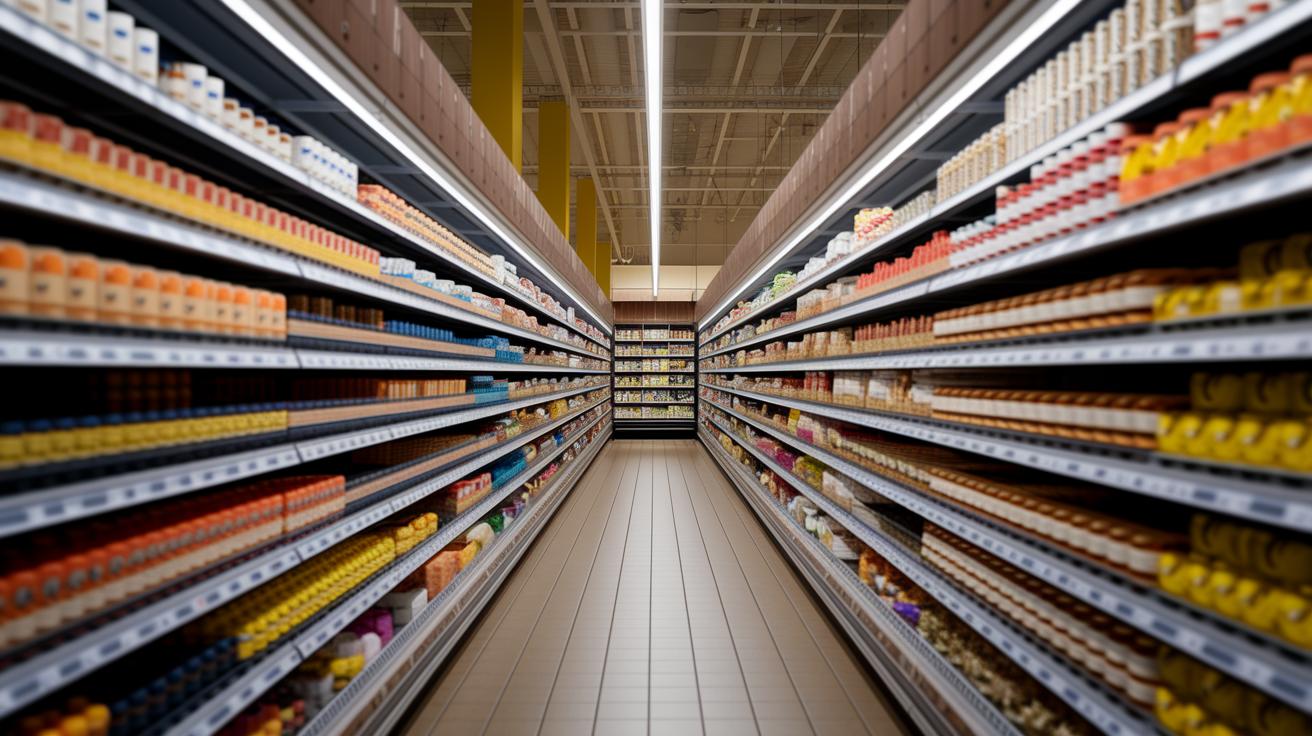
Planogram tools have made a real difference in sales across grocery, electronics, beauty, and fashion stores. Retailers are testing floor layouts and shelf setups to catch the eye of shoppers and encourage buying.
One grocery store changed its layout based on clear, in-store visual examples. They arranged everyday items alongside popular products, which led to more impulse purchases. Managers could easily see how a well-organized setup helped every product get noticed.
Another electronics store used sample floor designs to decide where to put products. They paired related gadgets and accessories and used store maps as guides. This smart display boosted customer engagement and kept the brand look consistent.
Check out our planogram galleries and detailed checklists to see more real-world examples of how smart display designs can boost sales in any store.
Final Words
In the action of mastering retail strategy, this guide lays out how a planogram in retail can improve product placement and help boost customer engagement. We walked through its definition, key benefits, best practices, implementation steps, and even explored digital tools. Each section highlighted simple yet effective tactics. The approach is practical and designed to spark immediate improvements. Enjoy using these insights to drive better layouts and enhanced sales – a clear win for any retail space.
FAQ
What is a planogram in merchandising and what does it mean?
The planogram in merchandising means a detailed blueprint that outlines how products should be arranged on shelves to attract customers and boost sales.
What are the different types of planograms used in retail?
The various types of planograms in retail include grid, category, and continuous layouts, each designed to optimize shelf space and product visibility.
Can you provide a planogram example?
The planogram example shows a visual layout where products are arranged by category, guiding store teams on exact shelf placements for a consistent shopping experience.
What is a planogram template and how is it typically shared?
The planogram template is a ready-to-use format, often available in PDF or PowerPoint formats, that helps retailers standardize product placement across multiple stores.
What are the four key objectives of a planogram?
The four key planogram objectives include maintaining brand consistency, optimizing shelf space, enhancing product visibility, and improving customer flow within the store.
What are some common planogram mistakes retailers should avoid?
The common planogram mistakes involve misaligning product placements, neglecting customer navigation, and failing to update layouts based on current sales data.
What does a retail planogram job description typically include?
The retail planogram job description usually includes designing product layouts, implementing merchandising strategies, and analyzing store performance to refine display tactics.
Who typically uses planograms in a retail environment?
The planograms in a retail environment are mainly used by store managers, visual merchandisers, and brand teams to ensure cohesive and effective product displays.