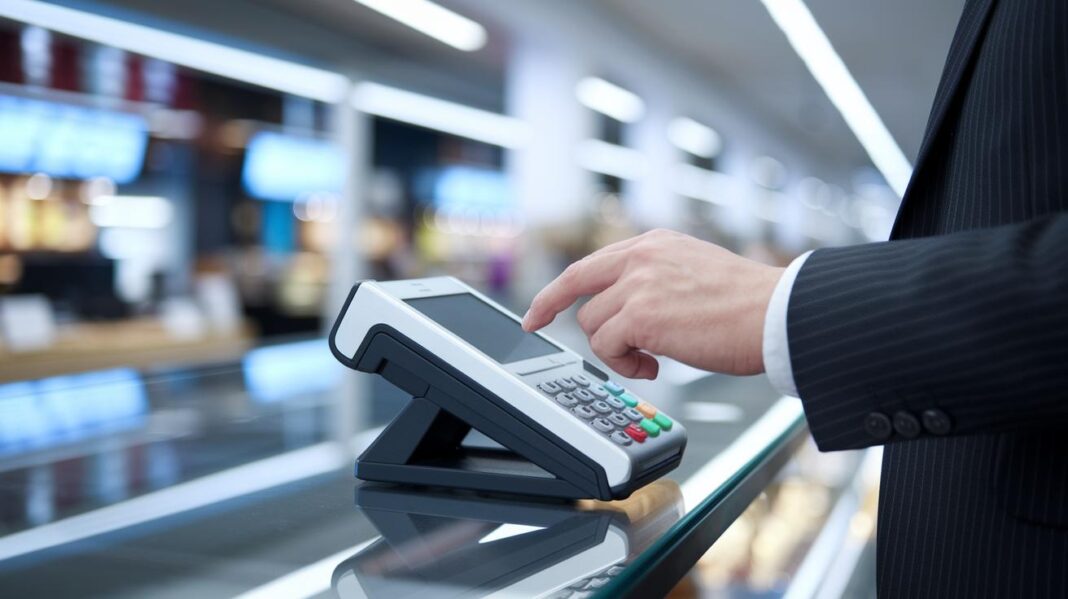
Have you ever thought about how a simple tech upgrade could change your business operations? POS technology isn’t just a cash register. It’s smart hardware paired with software that’s easy to use, speeding up transactions and helping you keep track of inventory with little fuss.
Imagine your neighborhood shop or busy restaurant running smoother every day, with fewer errors and faster service. This system brings together many tasks in one simple package, offering real-time data that helps you make quick, informed decisions.
In a world where every second counts, a modern POS system is the reliable, smart tool your business really needs.
How POS Technology Powers Modern Retail and Hospitality
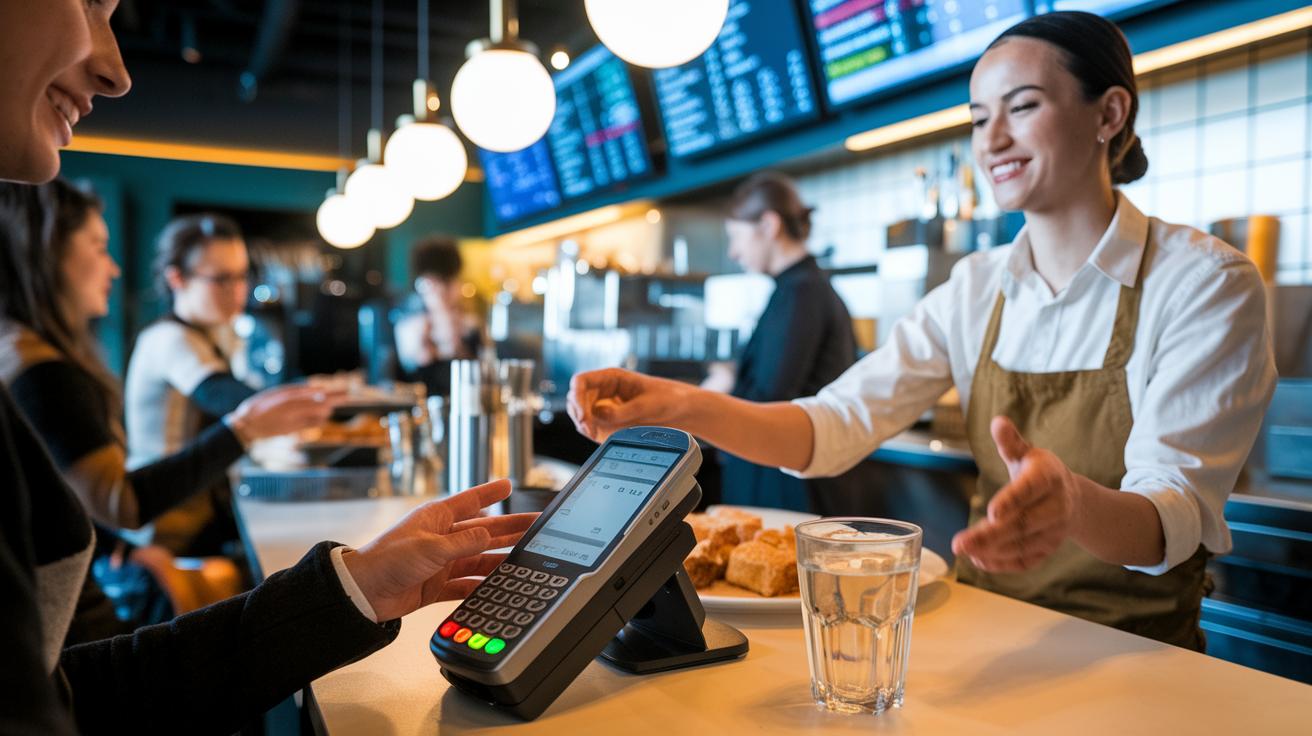
Imagine a busy store or a bustling restaurant where everything runs like clockwork. A point-of-sale system combines smart hardware with user-friendly software to act as the heartbeat of daily operations. It quickly processes payments, keeps track of inventory, and stores customer details so that businesses of every kind can operate without a hitch. For more info, check out commerce technology.
Today's POS solutions make everyday work a lot simpler. Take, for example, a busy diner that upgraded its system and immediately saw a sharp drop in transaction errors. This upgrade sped up checkouts while keeping mistakes to a minimum, small tweaks can really go a long way.
These systems also create a unified ecosystem where all sales channels are linked. Whether a business opts for an in-store setup or a cloud-based one, every sale is updated in real time. This means managers can instantly view sales reports and inventory shifts. Many companies keep factors like processing speed, data accuracy, and ease of use in mind when choosing the ideal system.
By merging various business tasks into one intuitive interface, modern POS technology empowers companies to make faster, smarter decisions. As more businesses adopt these reliable solutions, they not only streamline operations but also tap into valuable insights that drive growth and boost customer satisfaction.
Essential Hardware and Software Components in POS Technology
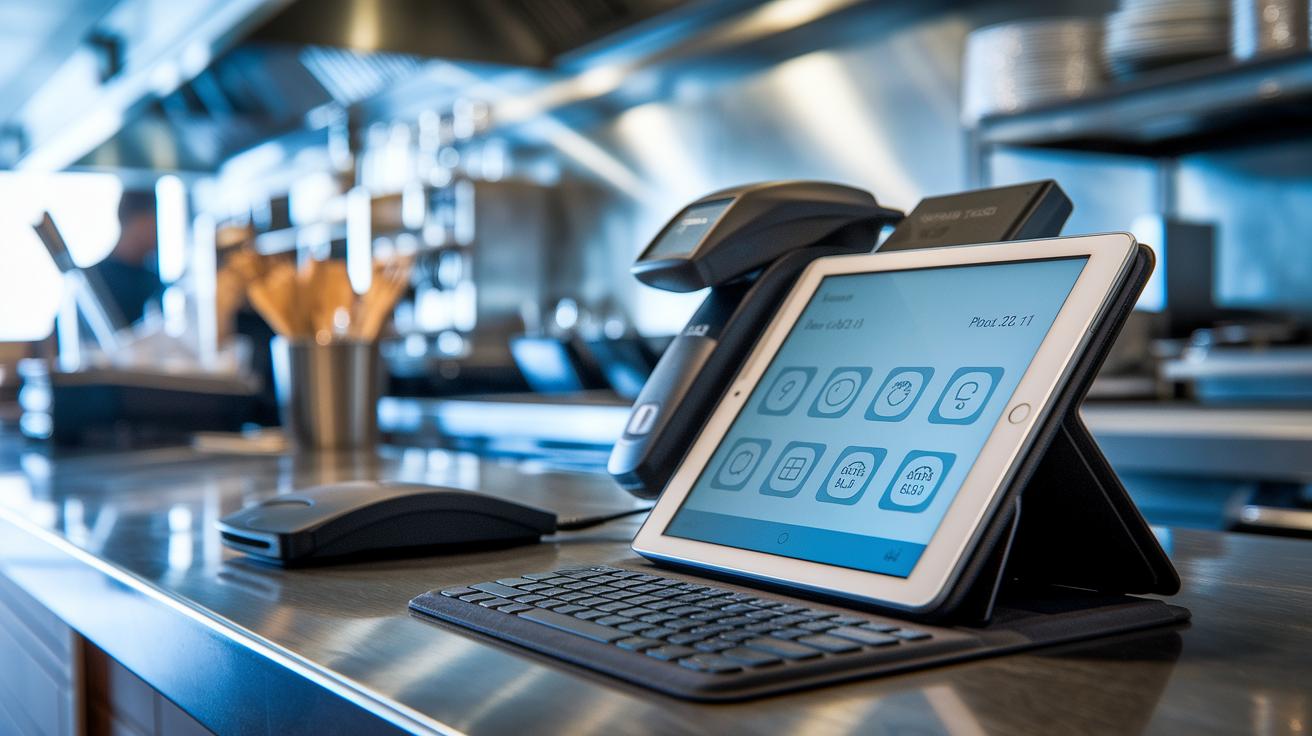
POS systems bring together sturdy hardware and adaptable software, making everyday sales a breeze and operations smoother. At their core, these systems use terminals like computers, tablets, mobile phones, or special devices built just for transactions. Picture a tablet that instantly sends order details to the kitchen through a kitchen display system (KDS); it cuts down on delays and ramps up service speed.
Supporting the main terminal is a host of handy hardware. Barcode scanners quickly identify products, cash drawers keep money safe, and digital menus show clear visuals for customers. It all works together so that every order flows seamlessly, ensuring everything runs like clockwork.
On the software side, you usually choose between on-site systems or cloud-based ones. Old-school systems store data on-site, which might limit access, while cloud-based systems let managers pull up sales reports, check inventory, and track customer info from anywhere in real time. This kind of flexibility is a game changer when your business is growing or juggling multiple sales channels.
All these elements merge into retail software that covers inventory management, customer relations, and multi-channel sales. Plus, modern security features ensure that every transaction is protected, using secure payment processes and smart alerts for irregular activities. In short, a well-rounded POS system gives retailers and restaurants the tools they need for smoother and safer operations every day.
Exploring Types of POS Technology: From Legacy to Mobile Systems
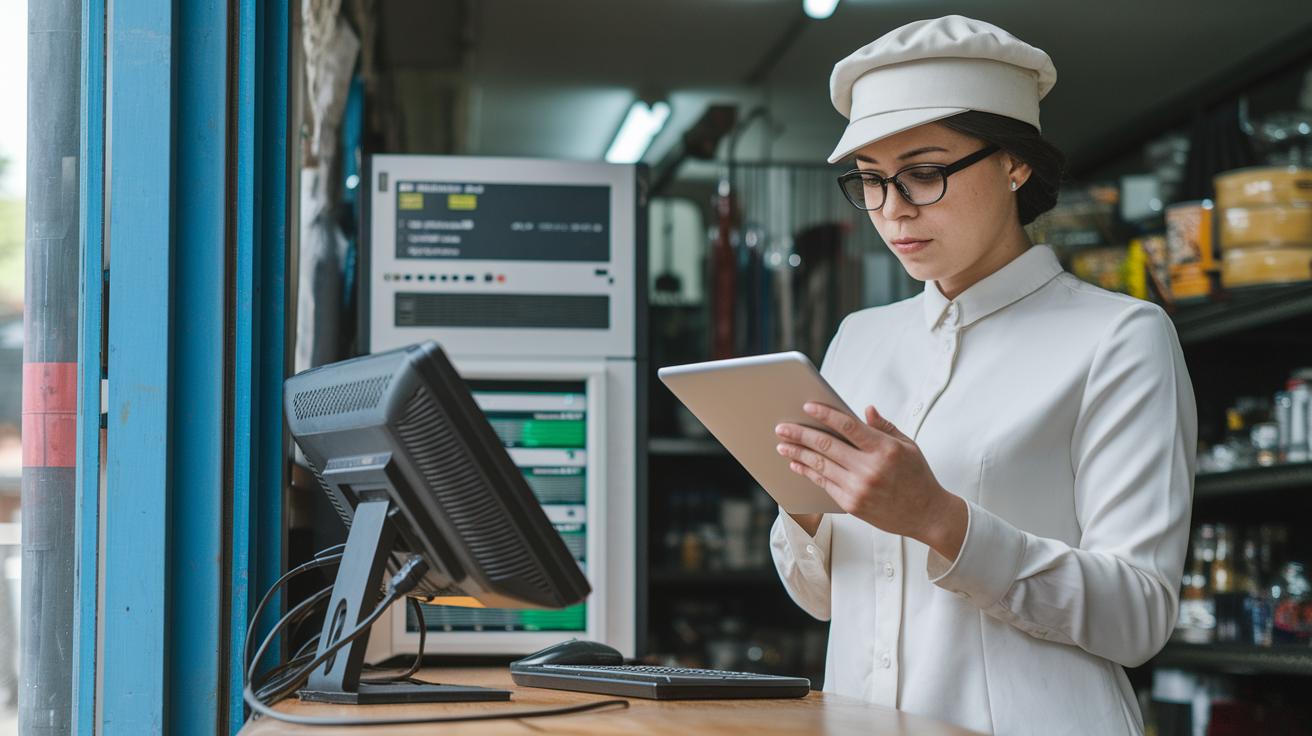
Legacy POS systems, also known as on-premises setups, have been the trusted backbone for many retail stores. They store all the transaction details on local servers, which means the data stays within the store’s own network. For example, a small shop might use a legacy system for its simple setup, even though it can’t pull data from afar.
Tablet-based POS systems are catching on fast because of their simple, friendly interfaces. They run on everyday tablet hardware that staff find easy to use. Most businesses pay software fees between $69 and $199 each month, while hardware usually costs around $429 for an iPhone model or $329 for an iPad. Picture a trendy café where staff quickly get the hang of it and speed up the ordering process.
Mobile POS systems take convenience a step further by using smartphones or tablets. They let you do transactions anywhere in your store, making them perfect for places like pop-up events or temporary markets. The software fees are similar to tablet systems, and the entry-level hardware can be even more budget-friendly.
Cloud‑based POS solutions have completely transformed the way businesses manage their operations. With data stored online, managers can check real‑time sales and inventory details from anywhere. It’s like having a clear, simple dashboard right at your fingertips.
Self‑service kiosks let customers place orders on their own, which cuts down on waiting time and makes service run smoother. These kiosks generally cost between $1,500 and $5,000 each, while multichannel systems merge in‑store, online, and mobile sales into one neat, unified platform.
Open‑source POS systems give businesses a chance to tailor the software to their needs if they have the technical know‑how. The basic software is usually low‑cost, but you might need extra investment for customization and ongoing support.
Key Features and Functionalities of POS Technology

Before long lines became a thing of the past, this system cut average wait times by 30%, delighting customers instantly!
Think of a modern POS system as the smart brain behind a business. It brings together basic software with top-notch features to create a tool that’s both powerful and easy to rely on. At its core, you’ll find inventory management teamed up with real-time sales reporting. Imagine a dashboard that updates every few minutes, giving managers a clear picture of each sale and stock level so they can react in a snap.
Another cool feature is how it gathers customer information using relationship management tools. This isn’t just about processing payments; it’s about turning everyday transactions into opportunities for personalized service. Picture your loyalty programs getting a boost as the system shows simple graphs, like a bar chart revealing which products fly off the shelves during busy hours.
The system also shines when it comes to multi-channel integration. Whether sales come in-store, online, or on a mobile app, everything syncs together in one place. For example, a retailer can see digital orders update inventory levels instantly, no matter where the customer shops.
Adding even more innovation, newer POS systems use AI and machine learning to predict demand and create automated reports. Imagine a kitchen display system that pings your staff the moment an order is ready, making the flow between the counter and the kitchen smooth and efficient. Plus, with support for different payment methods like credit cards and digital wallets, the checkout experience feels seamless and satisfying for every customer.
Implementing and Integrating POS Technology in Business Environments
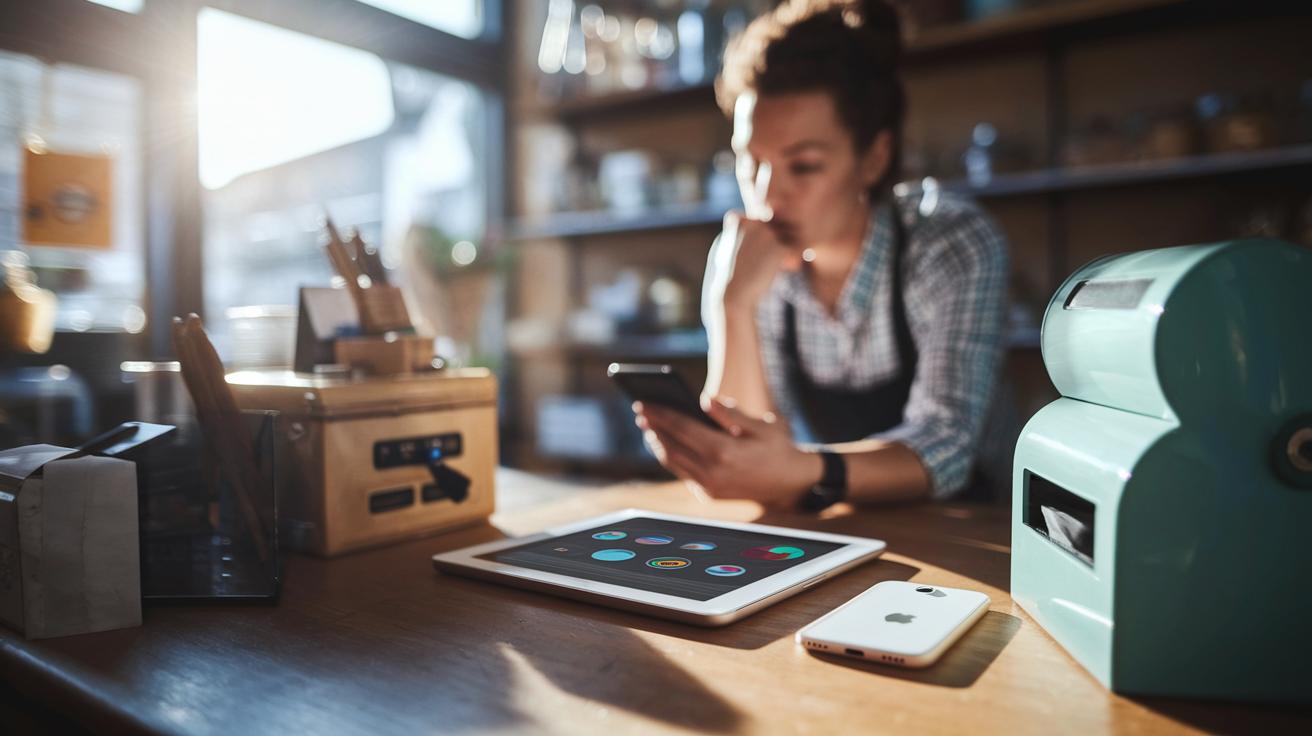
Start by taking a good look at your business needs before picking a POS system. If you run a restaurant, you might want features like table management or fast order routing. On the other hand, a retail store may need strong inventory tracking. It’s important to factor in hardware, software licenses, and transaction fees to make sure your budget is realistic.
Next, think about how the new system will fit with what you're already using. Many businesses link their POS systems to e-commerce websites, accounting tools, and customer relationship management programs. This connection creates a seamless flow of information, cuts down on manual errors, and saves you time. Imagine your sales data updating itself in your accounting software, neat, right?
When it comes to setting up your new system, you have options. Cloud-based setups let you manage everything remotely. You can check sales, update operations, and run reports from wherever you are. If you prefer keeping data in-house, an on-premises system might be the way to go. Both choices have their perks, so pick the option that best fits how you want to handle your data.
Upgrading hardware, like adding Bluetooth peripherals, can really boost performance. Just remember that doing so might require some extra staff training and attention to how your network handles the load. For more tips on finding the right solution, check out top pos systems.
Security, Compliance, and Best Practices in POS Technology
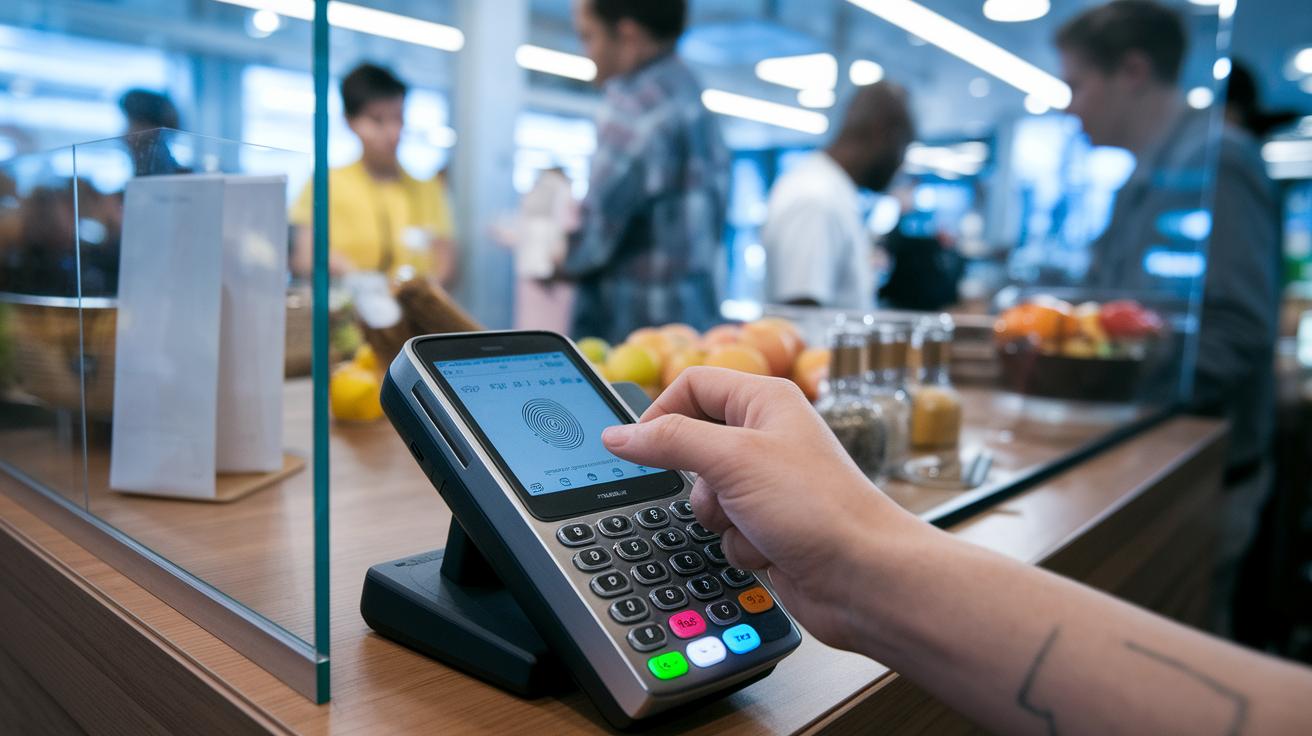
Today's POS systems are built to protect every transaction and safeguard customer data. They follow strict standards like PCI-DSS and GDPR, which means your sensitive details stay under lock and key. They use smart encryption methods and even use biometric tools, think fingerprint or facial recognition scanners. Fun fact: one busy outlet saw unauthorized access drop by half after they switched to fingerprint scanners.
Regular software updates and steady network monitoring are key parts of keeping these systems secure. And here's an interesting twist, many systems now include AI agents. These agents watch over transaction patterns in real time and let you know if anything unusual pops up. That way, potential issues are caught early, so every sale stays both quick and secure.
Businesses are encouraged to regularly review their security setups and update them as new standards roll out. Training staff on proper security practices is just as important, making sure both software and hardware work smoothly together. These simple steps ensure that your POS system remains a strong, reliable backbone for your business, ready to handle ever-changing transaction risks.
Cost Comparison and ROI Analysis of POS Technology

Mobile and tablet-based POS systems are a smart, budget-friendly option for businesses looking to upgrade their transaction process without a huge upfront cost. You can find these systems starting around $329 to $429, making them ideal for small shops or cafes that want to add efficiency without breaking the bank.
Self-service kiosks, however, come with a steeper price tag, typically between $1,500 and $5,000 per unit. On top of that, you’ll need to account for software licenses that usually cost between $69 and $199 each month. Imagine a busy restaurant installing kiosks to cut down on wait times; the initial investment can lead to smoother operations and happier customers.
The global market for cloud POS systems was worth $4.70 billion in 2023, and it’s growing fast at about 18.2% per year until 2030. Plus, emerging tech areas like biometric security and blockchain are also on the rise. To put it simply, biometrics are expected to grow by roughly 19.7% between 2020 and 2025, while blockchain technology could see a jump of 68% from 2022 to 2030.
| Component | Cost/Year |
|---|---|
| Mobile/Tablet-based POS | $329–$429 |
| Self-Service Kiosks | $1,500–$5,000 |
| Software License | $69–$199/month |
Emerging Innovations and Future Trends in POS Technology

Today’s POS systems are blending smart technology with business insights in ways we haven’t seen before. Cloud computing isn’t just a buzzword, it’s giving store managers real-time data access from anywhere. Picture checking your sales report while sitting across the street from your store. This new ease of remote access works brilliantly with AI that personalizes and automates tasks, even predicting what customers might buy next. For instance, one local café used machine learning to adjust its menu based on the day’s weather, and it saw sales jump noticeably.
Advanced data analytics in POS systems are also raising the bar. Experts expect these tools to help the industry grow by over 21%. They dig into complex data to pick out hidden trends, offering insights that you can act on right away. With AI and machine learning at work, forecasting demand is more accurate, and systems can quickly flag any strange sales patterns before they become a problem, almost like having a smart, ever-watchful assistant.
Self-service checkouts are gaining traction too. Projections show kiosk usage might grow by around 5.6% between 2024 and 2036. Imagine a busy fast-food joint where digital menus and self-service kiosks work together to shorten wait times and speed up orders. At the same time, enhanced biometric security now ensures that only authorized staff can access critical functions, while blockchain adds a tough layer of protection for your transactions. And with voice-activated POS systems expected to hit a $50 billion market value by 2029, you might soon be placing orders or checking inventory just by talking.
Meanwhile, the integration of kitchen display systems with digital menus is smoothing out food prep and order workflows. This seamless mix of hardware and software not only makes operations more efficient but also stands as a reliable trend in today’s fast-moving market.
Final Words
In the action, the article painted a vivid picture of how pos technology drives modern retail and hospitality operations. It touched on seamless transaction processing, integrated hardware and software, cost comparisons, and emerging innovations that make a real difference every day.
We saw how businesses can benefit from actionable insights and smart security measures, blending tradition with forward-thinking approaches. Positive trends and practical integration strategies make it clear that pos technology remains a key player in shaping brighter market futures.
FAQ
What does POS system full form mean?
The term POS stands for Point of Sale. It refers to a system that manages transactions, inventory, and customer data in a business setting.
What are some examples of POS systems?
POS system examples include traditional registers, tablet-based devices, and mobile solutions that integrate hardware and software for processing transactions and managing data in retail and hospitality.
How does one use a POS system?
Using a POS system involves scanning items, processing payments, updating inventory, and tracking customer information—all through a user-friendly interface that streamlines sales operations.
What is a POS machine, and how is it different from a POS person?
A POS machine is a device designed for transaction processing, while a POS person refers to the employee operating the machine and assisting customers during sales.
What are the three main types of POS systems?
The three types are traditional systems installed on-site, tablet or mobile solutions that use handheld devices, and cloud-based systems that store data online for remote access and flexibility.
Is a POS system hard to learn?
POS systems are generally designed with intuitive interfaces, making them simple to learn through brief training sessions for staff to effectively manage sales and inventory.
What is the best POS system for small businesses, restaurants, or food trucks?
The best system depends on specific business needs. Small businesses often favor cost-effective, user-friendly solutions, while restaurants and food trucks benefit from systems with specialized order and table management features.
Are free mobile POS systems available?
Free mobile POS systems do exist and cater to basic transaction needs, though additional features and advanced functionalities usually require a paid upgrade.