
Ever wonder how quickly paper documents can become digital text? OCR technology turns printed words, from invoices to receipts, into editable, searchable files in just seconds. It’s like watching old-fashioned paperwork transform right before your eyes.
This smart process cuts out the tedious task of manual typing and drastically reduces errors. Offices, banks, and many other sectors find that its speed helps them make smarter decisions on the fly.
In short, OCR isn’t just a time saver, it’s a real productivity booster that reshapes how we handle data. Have you seen how this clever tech can change the game in diverse fields?
OCR Technology Overview: Definition, Process, and Key Benefits

OCR, or Optical Character Recognition, turns text from printed documents like passports, invoices, bank statements, and receipts into digital text you can easily work with. Instead of someone having to manually type out what’s on a page, the technology takes an image, whether from a scanner or a camera, and quickly creates a text file. Think about the time saved when a bank converts stacks of printed statements into searchable digital records, what used to take hours can now be done in seconds.
This handy tool brings big benefits. It saves time, cuts down on errors that come from manual data entry, and makes finding information a breeze. By changing paper into digital files that are easy to search, edit, and share, businesses not only reduce labor costs but also improve the accuracy of critical data. With OCR handling repetitive, time-consuming tasks, teams can focus on making fast, informed decisions, a real boost in productivity for any industry dealing with large amounts of paper.
How OCR Technology Works: From Image Acquisition to Text Extraction
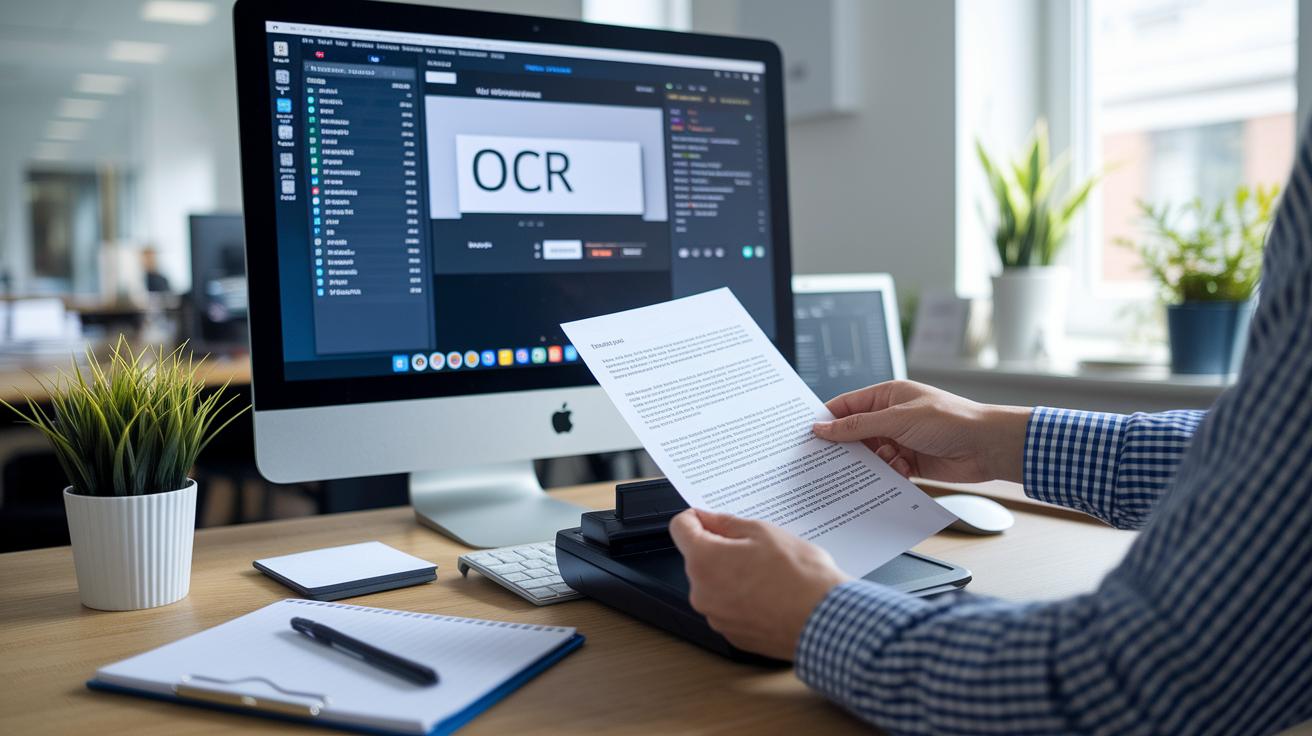
OCR (Optical Character Recognition) turns paper-based text into digital information using a clear, step-by-step process. It starts by capturing a detailed image with a scanner, camera, or a dedicated scanning app. Once the image is in hand, it's cleaned up and enhanced, making it ready for the next stage.
Then, smart AI tools take over. They carefully analyze the refined image by matching shapes and patterns with known templates. This clever process transforms visual data into machine-readable text.
Let’s break the steps down:
- Image Acquisition: Capturing a digital image from a paper document using a scanner or mobile camera.
- Image Pre-Processing: Cleaning up the image by reducing noise and boosting contrast so it's crystal clear.
- Segmentation: Dividing the image into parts to isolate different text sections.
- Feature Extraction: Analyzing each section to identify shapes and patterns that represent letters and numbers.
- Character Recognition: Matching these features against known templates, even handling the quirks of handwritten text with smart algorithms.
- Post-Processing: Refining and formatting the extracted information to boost accuracy and usability.
Keep in mind, OCR isn't perfect. Low-quality images, unusual layouts, or decorative fonts can throw off the process. Even non-text elements like diagrams or logos might confuse the software. That’s why starting with a high-quality image and using advanced AI tools is key to getting reliable results.
Key Features and Limitations of OCR Technology
OCR tech has changed how we extract data from documents across many industries. Thanks to smart AI upgrades, businesses now enjoy digital conversions with accuracy over 99%, turning paper and image records into reliable, actionable data quickly. It’s like upgrading from a basic flip phone to the latest smartphone, faster and more dependable.
There are plenty of OCR options out there. Some are simple scanning programs or budget-friendly tools, while others offer robust enterprise solutions or powerful open source platforms. But every tool has its quirks, especially when dealing with large batches or tricky document layouts.
| Feature | Limitation |
|---|---|
| AI-Enhanced Accuracy | Sometimes stumbles on intricate fonts |
| Learning Capability | Works best with clear, high-quality images |
| Custom Model Building | Often needs some manual tweaks |
| Affordable Scanning Options | Not ideal for very high volumes without automation |
| Enterprise-Grade Solutions | May require extra setup for complex documents |
AI-driven tweaks have really boosted both performance and flexibility. These improvements let companies easily integrate OCR with tools like Tesseract and its Python modules. In the end, this means quicker model building without long-term ties, reduced errors, and a system that adapts whether you’re a small business or a large enterprise.
OCR Technology Powers Efficiency in Every Sector

In finance and banking, OCR makes life easier by turning paper invoices and scanned documents into neat, organized data for systems like Financial Management and ERP software. Companies rely on OCR to automate invoice scanning and recognize documents, which cuts down on manual entry and minimizes mistakes. Imagine quickly scanning a pile of invoices and watching them transform into searchable data, that’s the kind of smooth operation OCR brings to busy finance teams.
In the world of transportation and government ID processing, OCR is a crucial player. Self-driving cars count on this technology to read road signs in real time, while toll systems capture license plate numbers without a hitch. Government bodies also use OCR to speed up the handling of passports and other IDs. This smart digital trick works wonders, lightening the load at busy checkpoints and transport hubs by reducing manual work and errors.
OCR’s flexibility even shines in specialized fields. In HR, it helps sort resumes quickly by extracting key details accurately from hundreds of applications. Insurance companies use OCR to digitize claim forms, speeding up the process, and retailers benefit from food label digitization by capturing vital product information fast. In a nutshell, OCR is a powerful tool that enhances efficiency across a wide range of industries.
Comparing OCR Technology Tools and Solutions: Open Source, Cloud, and Enterprise

OCR tools come in different shapes and sizes to meet various needs and budgets. Whether you’re a developer who loves community-driven improvements, a business using flexible pay-as-you-go APIs, or an organization that benefits from on-device processing, there’s a solution designed for you. Each option offers smooth text conversion, smart recognition features, and easy plug-and-play integration for document imaging tasks.
Open Source Solutions
Tools backed by community passion like Tesseract OCR, OpenCV, and a range of Python modules let developers craft custom models with ease. These frameworks thrive on active GitHub projects and clear integration guides, which help boost recognition accuracy over time. Best of all, you can tailor these models without worrying about hefty license fees, often leading to creative applications that meet very specific needs and improve conversion efficiency.
Cloud-Based Services
Cloud APIs, think Azure Document Conversion API, bring scalable OCR power with smart form recognition. They usually work on a pay-as-you-go basis, so you can handle spikes in workload without breaking the bank. With high-accuracy AI at the helm, even huge batches of documents get processed swiftly and reliably. These services easily integrate with your current data workflows, making them a solid pick for businesses processing large volumes of data.
Mobile & Desktop Applications
For those who need quick, on-the-go scanning, mobile document apps and desktop software are a great fit. Whether you’re on Android, iOS, Windows, or macOS, these apps let you scan documents right on your device, often without needing an internet connection, and turn PDFs or printed files into editable content in an instant. This makes them ideal for anyone looking for fast, dependable digital conversion across multiple platforms.
Implementing OCR Technology: Best Practices and Case Examples
Picking the right OCR platform or API is essential for a smooth rollout. You need a solution that makes it easy to build custom models quickly, scales with your needs, and fits neatly into your current systems. Look for options that let you avoid being stuck with one vendor long-term and that handle both basic text extraction and advanced form recognition. Consider factors like cost, how well it works with different document types, and whether it supports key features like character conversion.
Getting your OCR system off the ground usually means setting up either open source frameworks or cloud-based services. Many teams choose open source tools that work well with Python scanning scripts, while others find that cloud services like Azure offer handy form recognition features. The setup involves installing the right libraries, adjusting default settings, and making sure the tool processes various document formats correctly. Every little tweak can lead to faster processing and improved accuracy.
Integrating OCR into your existing data pipelines becomes a breeze with Python tools. Libraries like PyTesseract and Azure conversion modules can automate tasks such as invoice processing and batch data extraction, ensuring that data moves smoothly from scanned documents into your financial or management systems. This cuts down on manual work and turns images into searchable text without a hitch.
Testing the accuracy of your OCR system means keeping a close eye on its performance and refining the model as needed. Run tests with a set of standard documents and tweak your configuration based on the results. Regular performance checks help fine-tune those deep learning pipelines, so each update makes your OCR even more precise and reliable.
Future Trends in OCR Technology: AI, Scalability, and Emerging Use Cases

Today, AI is pushing OCR tech into exciting new territories. Neural networks and deep learning are now boosting accuracy past 99%, making it easier for machines to read even messy, handwritten notes. Imagine a system that can decipher crumpled pages nearly perfectly, it’s a breakthrough that cuts down on manual work while speeding up processes across the board.
Modern OCR platforms are built to grow with your needs. They use cloud-native designs, elastic scaling, and microservices to handle high volumes of documents in real time. This means that even when there's a sudden surge in data, the system stays fast and costs remain controlled. It’s like having a smart, flexible tool that never misses a beat, no matter how busy things get.
On top of that, new uses for OCR are popping up everywhere. We’re seeing systems that automatically classify and route documents without any human help. Plus, lightweight mobile scanners let you snap a receipt on the go and have it instantly processed and organized. It’s a glimpse into the future of data capture, simple, fast, and always ready for whatever comes next.
Final Words
In the action, we've covered how ocr technology transforms text images into data and streamlined processes across industries. From image capture to detailed extraction, each step boosts efficiency and minimizes errors.
Our discussion highlighted benefits like time savings and improved accessibility while acknowledging some challenges. These insights empower you to make informed decisions in a dynamic market, keeping you agile and ready for what’s next.
FAQ
Q: What is OCR technology?
A: OCR technology stands for Optical Character Recognition, which converts printed or handwritten text into machine-readable data. This process streamlines data entry and document digitization from various paper records.
Q: How does OCR technology work in computer applications?
A: OCR technology works by scanning an image and then processing it through steps such as image acquisition, pre-processing, segmentation, feature extraction, character recognition, and post-processing to produce accurate digital text.
Q: What are examples of optical character recognition in use?
A: OCR is used in scanning PDFs, processing invoices, reading road signs, and capturing license plate data, demonstrating its role in converting diverse visual text into structured, accessible information.
Q: Is OCR powered by artificial intelligence?
A: OCR technology often integrates AI, using neural networks to increase accuracy and efficiency. While traditional methods are still present, modern systems rely on AI to enhance text recognition and data extraction capabilities.
Q: What do OCR technology companies provide?
A: OCR technology companies offer software and hardware solutions that automate document digitization, reduce manual data entry, and improve data accessibility across various industry applications.