
Ever wonder how something as intricate as a container system can feel so clear? A Kubernetes architecture diagram breaks it all down in an organized way, much like a well-run factory where every machine has its role. The control plane oversees the tasks while the nodes and pods handle the heavy lifting. In this article, we walk you through each piece, showing exactly how they come together to make container management straightforward and efficient.
Visualizing Core Components with a Kubernetes Architecture Diagram
The Kubernetes diagram lays out how clusters, nodes, pods, services, and controllers come together in a clear, organized way. It follows a master-worker setup where a central control plane keeps an eye on things while worker nodes handle container tasks.
- API Server: Think of this as the main gateway, a friendly HTTP REST point that handles requests from users and nodes.
- etcd: This secure, distributed key-value store keeps all the important configuration data safe.
- kube-scheduler: It checks which worker node has the right resources and sends pods to the best spot.
- kube-controller-manager: This part watches over controllers to make sure everything runs as planned.
- cloud-controller-manager: It links up with cloud provider APIs, making sure the cluster interacts smoothly with external services.
- kubelet: Acting like a supervisor, it registers nodes and ensures pods run according to their specifications.
- kube-proxy: It helps network traffic find the right pods, keeping service connectivity steady and reliable.
In the diagram, you'll see that the control plane and the worker nodes work closely together to keep the system in balance. The API Server is like a welcoming receptionist managing all interactions, while etcd acts as a secure vault for your settings. The scheduler assigns tasks, and the controller manager constantly monitors the system to maintain stability. On the ground, kubelet and kube-proxy make sure container rules are followed and data flows without a hitch. This setup creates a smooth-running, coherent design that’s perfect for keeping up with today’s dynamic e-commerce environments.
Detailed Control Plane Schematic in Kubernetes Architecture Diagram
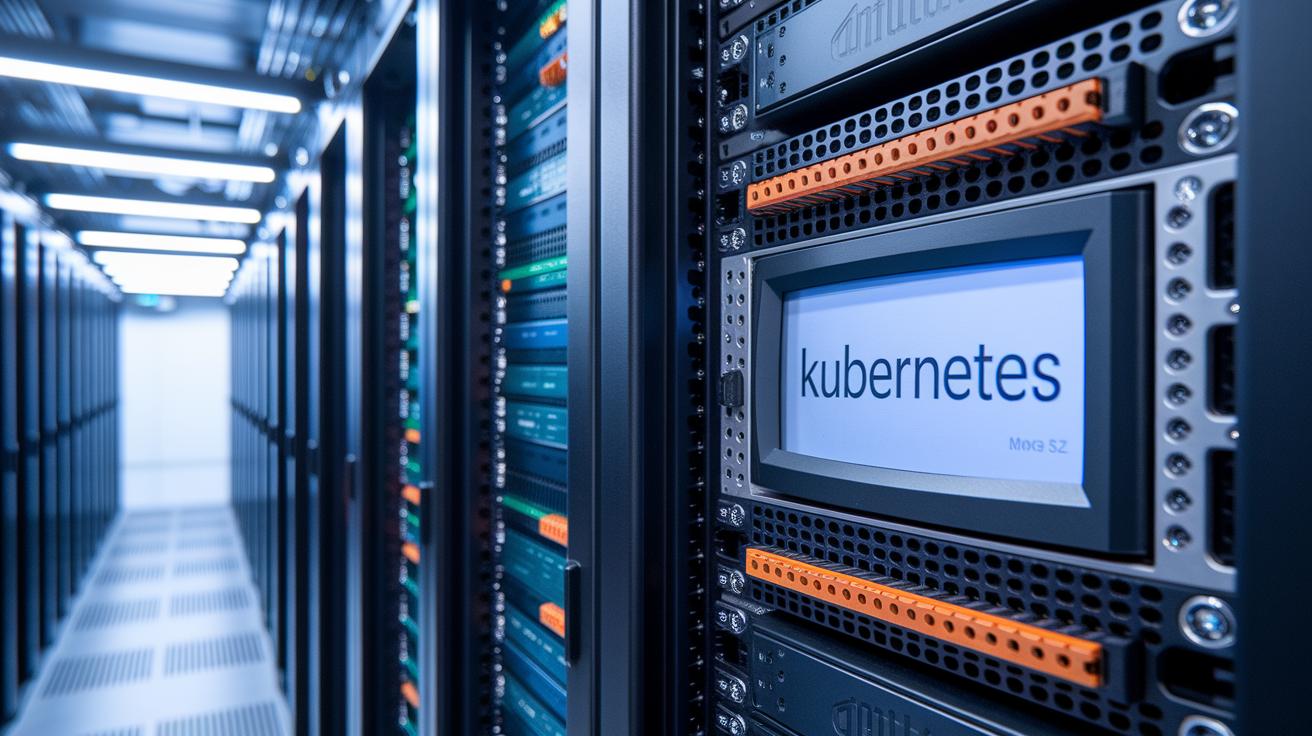
The Kubernetes control plane serves as the heart of your cluster, handling every operation with care. It takes in HTTP REST requests through the kube-apiserver and secures configuration data in etcd. Simultaneously, the kube-scheduler picks the best spots for pods based on available resources. The kube-controller-manager and cloud-controller-manager work in tandem to ensure the cluster stays true to its intended design.
| Component | Function |
|---|---|
| kube-apiserver | Acts as the main gateway for HTTP REST API calls between users and the cluster. |
| etcd | Maintains secure cluster configuration in a distributed key-value store. |
| kube-scheduler | Places pods on worker nodes in line with available resources. |
| kube-controller-manager | Ensures the cluster’s current state matches the desired setup by managing replication and endpoints. |
| cloud-controller-manager | Connects with cloud provider APIs to extend the cluster’s management capabilities. |
The cloud-controller-manager connects your cluster to major cloud services like Azure, AWS, and GCP. This bridge helps with dynamic scaling and improves overall operational reliability.
Mapping Worker Nodes & the Kubelet Functionality in Kubernetes Architecture Diagram
Worker nodes are the driving force behind clusters, running container apps and managing system resources. They turn raw hardware into smooth, efficient environments where your apps can perform at their best.
Inside each node, a kubelet makes sure that pods stick to their specifications without unnecessary back-and-forth chatter. Container runtimes like Docker, containerd, and CRI-O take charge of container lifecycles and add extra layers of security when pods are running. And then there's kube-proxy, which sets up clear, simple network rules to guide traffic exactly where it needs to go. All in all, these parts work together to optimize resources and keep pod operations safe and smooth.
Meanwhile, the kube-scheduler makes sure every pod gets the right amount of resources, and the kubelet keeps a watchful eye on the node’s overall health, reporting back like a reliable team member.
Visualizing Network Ingress Model & Service Discovery in Kubernetes Architecture Diagram

In Kubernetes, services work like friendly gatekeepers for groups of pods. They provide a steady virtual IP address and a constant DNS name, thanks to CoreDNS or kube-dns. This design means that even when a pod is swapped out, your apps keep connecting seamlessly without any hiccups.
Ingress controllers act like traffic directors at a busy intersection. They carefully steer incoming HTTP/S requests to the right pods, balancing the load so no single pod takes on too much at once. Think of it like a conductor guiding musicians, each request finds its perfect place in the performance.
Network policies step in as the cluster’s security guards. They set clear rules about which pods can chat with each other, keeping unauthorized traffic at bay. With these boundaries in place, Kubernetes helps keep internal communications safe and well-organized.
Deployment Strategy & Autoscaling Patterns in Kubernetes Architecture Diagram
Imagine deployments as the blueprint for launching your applications. They ensure that your chosen number of replicas is always up and running while bundling settings for scaling, rolling updates, and safe rollbacks. This clear map sets the stage for your entire cluster.
Rolling updates work smoothly by using ReplicaSets. The controller manager carefully swaps old pods with new ones, keeping everything steady along the way. Each ReplicaSet acts like a snapshot of a reliable system state, giving you the chance to catch and fix any errors before the full switch occurs. It’s a gradual process that prevents disruptions and maintains continuous service.
The Horizontal Pod Autoscaler, or HPA, is key to keeping things efficient. It watches metrics like CPU load in real time, thanks to a connected metrics-server, and adjusts the number of pods accordingly. This means your system automatically scales up during busy periods and scales down when things quieten, ensuring your deployment is both responsive and resource-friendly.
PodDisruptionBudgets add an extra layer of security. They set a minimum number of pods that need to stay active during updates or maintenance work. This little rule helps keep your services steady and your cluster resilient, no matter what changes are happening in the background.
kubernetes architecture diagram: Bold Component Clarity

Clusters come alive with key add-ons like CNI plugins, CoreDNS, and the metrics server. These tools work together to keep networking smooth, help services find each other easily, and provide up-to-date info on resource use. In simple terms, CNI plugins ensure pods can chat with each other reliably, CoreDNS quickly translates service names into IP addresses, and the metrics server gives you a real-time snapshot of what’s happening across the cluster.
The cloud-controller-manager plays a vital role by linking Kubernetes with major cloud providers. When you're using Azure, it connects with Azure VMs and load balancers to simplify container hosting and scalability. On AWS, it works hand in hand with the Elastic Load Balancer to direct traffic efficiently. And on Google Cloud, it leverages container engine features to ensure resources are allocated smartly, keeping everything running smoothly.
Running hybrid or multi-cloud deployments under one control plane makes life much easier. This approach gives organizations a single, clear view of their operations, letting them adapt quickly to different cloud settings while staying in control every step of the way.
Tools & Best Practices for Crafting a Kubernetes Architecture Diagram
Clear visuals form the backbone of any easy-to-understand Kubernetes diagram, quickly guiding teams through complex system setups. They break down intricate details into straightforward elements, making technical information accessible to everyone.
Tools like draw.io, Lucidchart, and Visio are favorites for building these diagrams. They offer intuitive interfaces loaded with standard icons that clearly separate control plane elements from worker nodes. Plus, they make good use of color and arrows to show API calls, so mapping out a cluster becomes both accurate and intuitive. A few concise labels here and there can point out exactly what each component does, sometimes a simple note on a node is all it takes to clarify its role.
Exporting your diagram as a PDF turns it into a handy technical blueprint that you can share with your team. This method also makes it easier to keep track of updates with version control, helping everyone stay on the same page.
Final Words
In the action, we walked through a detailed look at designing a clear, well-annotated kubernetes architecture diagram. The post broke down core components, the control plane, worker node responsibilities, and network traffic management clearly.
We also examined deployment setups, cloud add-ons, and the best tools for crafting precise visuals. Every section aimed to make complex aspects approachable and useful. Enjoy applying these insights to drive informed, data-backed decisions in your projects.
FAQ
Frequently Asked Questions
What does a typical Kubernetes architecture diagram show?
A typical Kubernetes diagram illustrates core components such as the API Server, etcd, scheduler, controller managers, kubelet, and kube-proxy arranged in a master-worker model. It helps visualize pod deployments, service abstractions, and network interactions.
Where can I find Kubernetes architecture diagram resources like GitHub repositories, PDFs, or PPT templates?
Kubernetes diagrams are available from GitHub projects, downloadable PDFs, and PPT templates offered by online guides. These resources enable professionals to quickly grasp cluster details and design efficient diagrams.
What is the architecture of Kubernetes?
The Kubernetes architecture uses a master-worker model. The control plane—with API Server, etcd, scheduler, and controllers—manages worker nodes that run pods using kubelet and kube-proxy, ensuring smooth container orchestration.
What are the four C’s of Kubernetes security?
The four C’s address control communication, container configuration, cluster access, and continuous compliance. They focus on secure image management, proper authentication, effective network policies, and ongoing runtime security practices.
What is the architecture technique of Kubernetes?
Kubernetes employs a master-worker model to group containerized apps into pods managed by a central control plane. The architecture technique relies on API-driven automation to scale and manage deployments efficiently.
What are the two main components of Kubernetes?
Kubernetes centers on two main components: the control plane, which maintains cluster state and coordination, and worker nodes, which run pods and handle network communications.
How do Kubernetes, etcd, OpenShift, Docker, Microsoft Azure, and Terraform interact within the ecosystem?
In the ecosystem, Kubernetes orchestrates containers while etcd securely stores critical data. Docker runs container images, OpenShift builds on Kubernetes features, and Microsoft Azure with Terraform integrate cloud services and automate infrastructure tasks.